Kitchen Display System Benefits: Why Restaurants Ditch Paper
A kitchen display system replaces paper tickets with a live screen. Here's what a KDS actually changes — fewer errors, faster tickets, and a calmer kitchen.
Every restaurant kitchen has a moment where the system is the problem: a printed ticket curls up next to the grill, the modifier line is smudged, two tickets swap places in the rail, and table 7 gets paneer instead of chicken. Nobody did anything wrong — the paper did.
A kitchen display system (KDS) replaces that paper rail with a live screen. It's one of the least glamorous upgrades a restaurant can make, and one of the highest-impact. Here's what actually changes, based on how kitchens run before and after.
What a KDS actually is
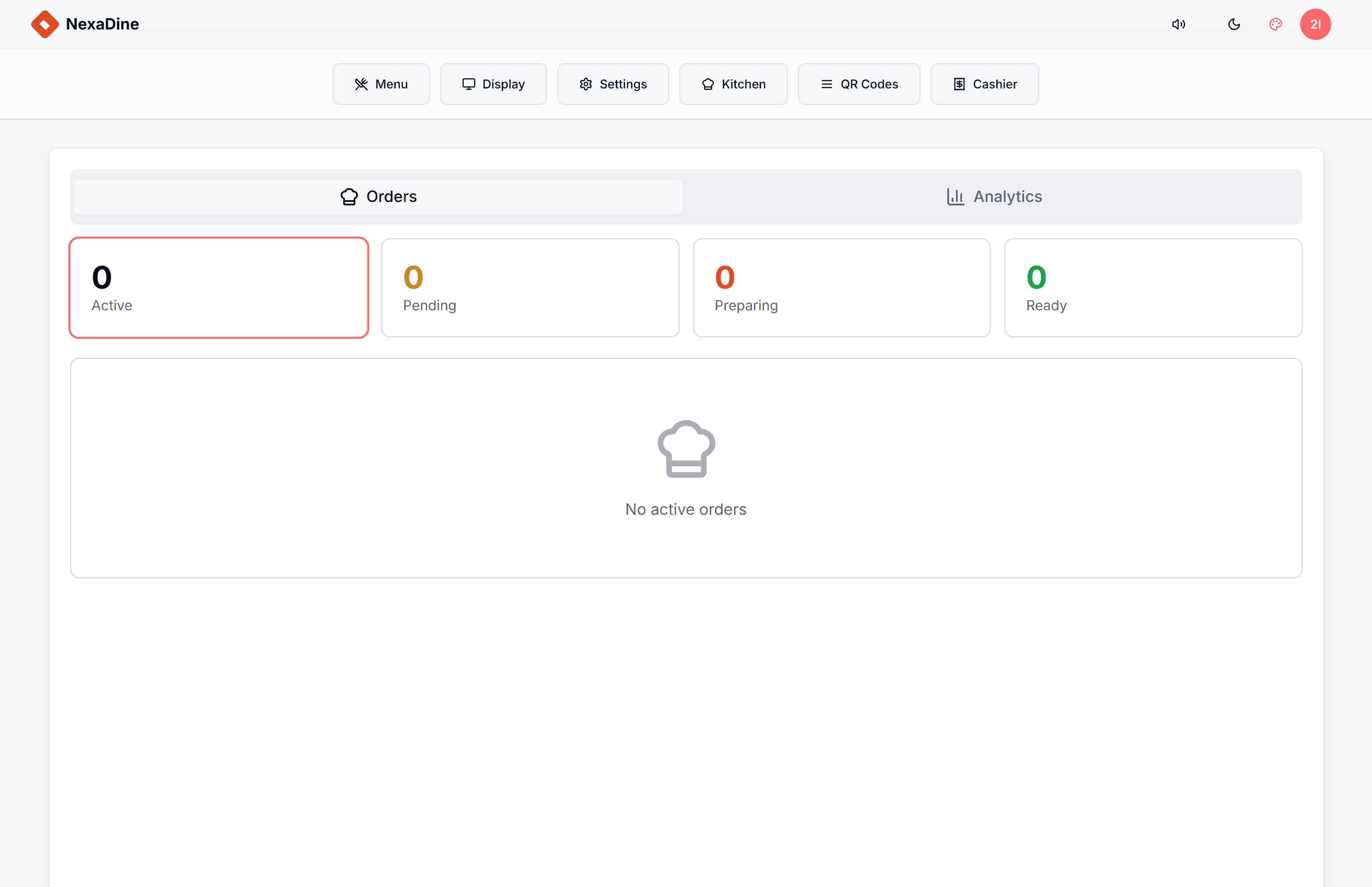
A KDS is a screen in the kitchen — a mounted TV, monitor, or tablet — that shows every open order in real time:
- New orders appear instantly when placed at the counter, at the table, or via QR ordering.
- Each ticket shows items, quantities, modifiers, table number, and how long it's been waiting.
- Kitchen staff tap to mark items or orders done, which updates the front of house automatically.
That's it. No printing, no rail, no runner carrying slips. The simplicity is the point: everything the kitchen needs to know is on one screen, current to the second.
Benefit 1: Order errors drop immediately
Paper tickets fail in predictable ways — illegible handwriting, smudged thermal print, lost slips, modifiers missed in the noise. Each failure becomes a remake, and each remake costs the food, the time, and often the goodwill of the table.
On a KDS, the order is exactly what was entered — and if guests order through their own phones via QR-code ordering, it's exactly what the guest chose, with no transcription step anywhere in the chain. Kitchens that switch typically see remakes fall hard in the first week, and the "what does this say?" conversations disappear entirely.
Benefit 2: Tickets get faster — and you can prove it
A KDS timestamps everything: when the order landed, how long it's been open, when it was bumped. Most systems color-code age, so a ticket drifting past target time turns amber, then red, in everyone's peripheral vision.
Two things happen. First, slow tickets get attention before the guest asks. Second, managers finally get real numbers: average ticket time by hour, by dish, by station. When you can see that Friday 8–9 pm is where times blow up, or that one dish consistently drags, you can fix scheduling and menu engineering with evidence instead of instinct.
Benefit 3: The kitchen gets quieter
This one surprises owners the most. A paper-rail kitchen runs on shouting — calling out tickets, confirming modifiers, asking what's next. A KDS kitchen is visibly calmer: the screen holds the queue, everyone can see priority at a glance, and the expo isn't refereeing the rail.
Calmer kitchens make fewer mistakes, retain staff longer, and handle rush hours without the spiral where noise creates errors and errors create more noise.
Benefit 4: Front and back of house finally agree
Without a KDS, the server's answer to "how long for table 12?" is a walk to the kitchen and a guess. With one, order status is shared: the front of house sees what's fired, what's plating, and what's done. Food leaves the pass while it's hot because runners are dispatched by status, not by shouting.
For QR-ordering restaurants this loop extends to the guest — order placed, order in kitchen, order on its way — which quietly kills the "did they forget us?" anxiety that drives most service complaints.
Benefit 5: Rush hours scale without extra staff
The paper rail has a physical ceiling: someone has to sort, sequence, and manage it, and at peak volume that someone becomes the bottleneck. A screen has no such ceiling. Orders queue themselves, stations see only their items, and the same crew handles more covers.
For a growing restaurant, this is the difference between "we need another expo on weekends" and "the system sequences itself."
What it costs (less than you think)
A decade ago a KDS meant proprietary hardware and serious money. Today it's software: modern web-based restaurant platforms run the KDS in a browser on any screen you already own — a ₹15,000 TV on a kitchen wall does the job. If your POS supports it, enabling a KDS is closer to a settings change than a project.
That's how it works in NexaDine, our restaurant POS: QR-code ordering, table management, and the kitchen display are one system, so orders flow from the guest's phone to the kitchen screen with nothing re-typed in between. If you're comparing platforms more broadly, our restaurant POS buyer's guide covers what to look for.
The bottom line
A KDS doesn't change your food or your menu. It removes the failure modes of paper — lost tickets, misread modifiers, invisible delays — and replaces them with a live, measurable queue. Fewer remakes, faster tickets, calmer service, real data. For most restaurants doing meaningful volume, it pays for itself in remakes alone.
Frequently asked questions
- What is a kitchen display system (KDS)?
- A kitchen display system is a screen in the kitchen that shows incoming orders in real time, replacing printed or handwritten kitchen order tickets. Orders appear the moment they're placed, update live, and are marked done with a tap.
- Is a KDS better than printed kitchen tickets?
- For most restaurants, yes. A KDS can't be lost, smudged, or mis-sequenced; it shows order age and modifications clearly; and it gives managers timing data that paper never can. Printers still make sense as a backup or for very small counters.
- What hardware do I need for a kitchen display system?
- Usually just a screen — a consumer TV, monitor, or tablet mounted in the kitchen — connected to your POS software. Modern web-based systems like NexaDine run the KDS in a browser, so no proprietary hardware is required.
- Does a KDS work with QR-code ordering?
- Yes, and the combination is powerful: orders guests place from their phones flow straight to the kitchen screen with zero re-typing, which removes the two biggest error points in the order chain at once.
Ready to launch fast and scale smart?
Kaelix Technologies builds rapid, AI-powered software for growing businesses. Tell us your workflow and we'll show you what's possible.