Restaurant POS Buyer's Guide: Features That Matter in 2026
Cut through POS marketing. The features that actually change restaurant operations — QR ordering, KDS, menu control — and the questions to ask before buying.

Buying a restaurant POS is confusing by design. Every vendor's website promises the same things — "all-in-one", "seamless", "powerful analytics" — and the real differences only show up three weeks after you've signed, when you're trying to change a menu price on a busy Friday.
This guide is the checklist we wish every restaurant owner had before demos: the features that genuinely change operations, the ones that are situational, and the questions that expose weak systems fast.
Start with your service model, not the feature list
A POS that's perfect for a quick-service counter is mediocre for a 40-table dine-in, and vice versa. Before comparing anything, write down three facts about your restaurant:
- Service model — counter/QSR, dine-in with servers, cloud kitchen, or a mix.
- Order sources — walk-in, phone, your own QR/table ordering, aggregator apps.
- Peak load — covers or orders per hour at your busiest, because that's the only load that matters.
Every feature below should be judged against those three facts, not against a demo environment.
The core four (non-negotiable for everyone)
1. Fast, unbreakable billing
The register is the one function that cannot hiccup. Test it like you'll use it: split bills, item modifiers, discounts, cancellations after kitchen fire, day-end totals. Ask what happens when the internet drops — a good cloud POS keeps billing locally and syncs later.
2. Kitchen order flow
Orders must reach the kitchen without a human relay. That means kitchen printing at minimum — and ideally a kitchen display system (KDS), where orders appear on a screen, age visibly, and get bumped when done. The difference in error rate and ticket time is substantial; we've broken it down in kitchen display system benefits.
3. Menu management you can do yourself
You will change prices, run specials, and 86 items weekly. If any of that requires calling support or "a menu update request", walk away. Look for instant edits, scheduled menus (lunch/dinner), and item availability toggles that reflect everywhere — POS, QR menu, kitchen — at once. Bonus: AI-assisted menu creation turns a new menu from an afternoon of data entry into minutes.
4. Daily numbers without effort
You should see, without exporting anything: sales by day and hour, top items, category mix, discounts given, and cancellations. If insight requires a spreadsheet ritual, it won't happen during a busy month — which is exactly when you need it.
The high-leverage extras (situational but powerful)
QR-code ordering — the biggest upgrade for dine-in
Guests scan a table QR, browse a live menu with photos, and order from their phone. No app installs, no waving for attention, no transcription errors — and reorders (the most profitable order of the night) happen frictionlessly. For most dine-in restaurants this is the single highest-ROI addition of the last decade; our full analysis is in QR-code ordering for restaurants.
Table management
For dine-in: live floor view, table status, merge/split, and course pacing. For QSR: skip it entirely — see why the service model comes first?
Multi-outlet control
If you run (or plan) more than one location: centralized menus with per-outlet pricing, consolidated reporting, and per-outlet user permissions. Retrofitting this later is painful, so if expansion is in your two-year plan, weight it now.
Questions that expose weak systems
Ask these in every demo and watch for hedging:
- "Show me changing a price and 86-ing an item right now." Should take seconds, from a phone.
- "What hardware do I have to buy from you?" The right answer trends toward none — modern systems run on standard tablets, PCs, and TVs you already own.
- "What happens when the internet goes down mid-service?"
- "How do I get my data out if I leave?" Exports should be self-serve.
- "What's the total first-year cost?" — subscription + hardware + onboarding + payment processing. Vendors quote whichever number looks smallest; you want the sum.
Red flags worth walking away from
- Proprietary hardware lock-in with "free" devices tied to long contracts.
- Menu changes that go through support tickets.
- Per-feature pricing that turns the advertised rate into double after you add the modules you actually need.
- No local restaurants of your size using it — ask for two references you can call.
Where NexaDine fits (our honest pitch)
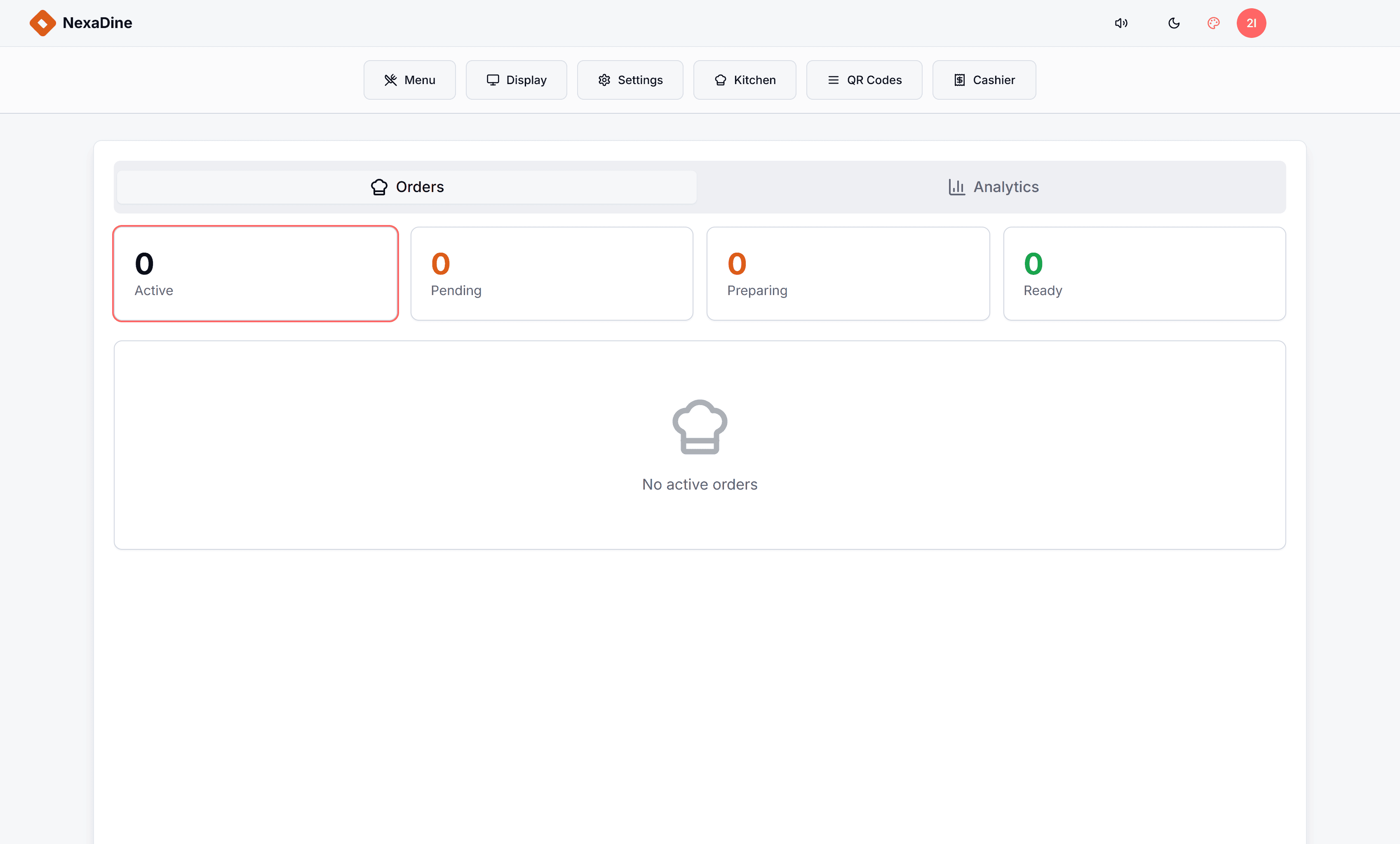
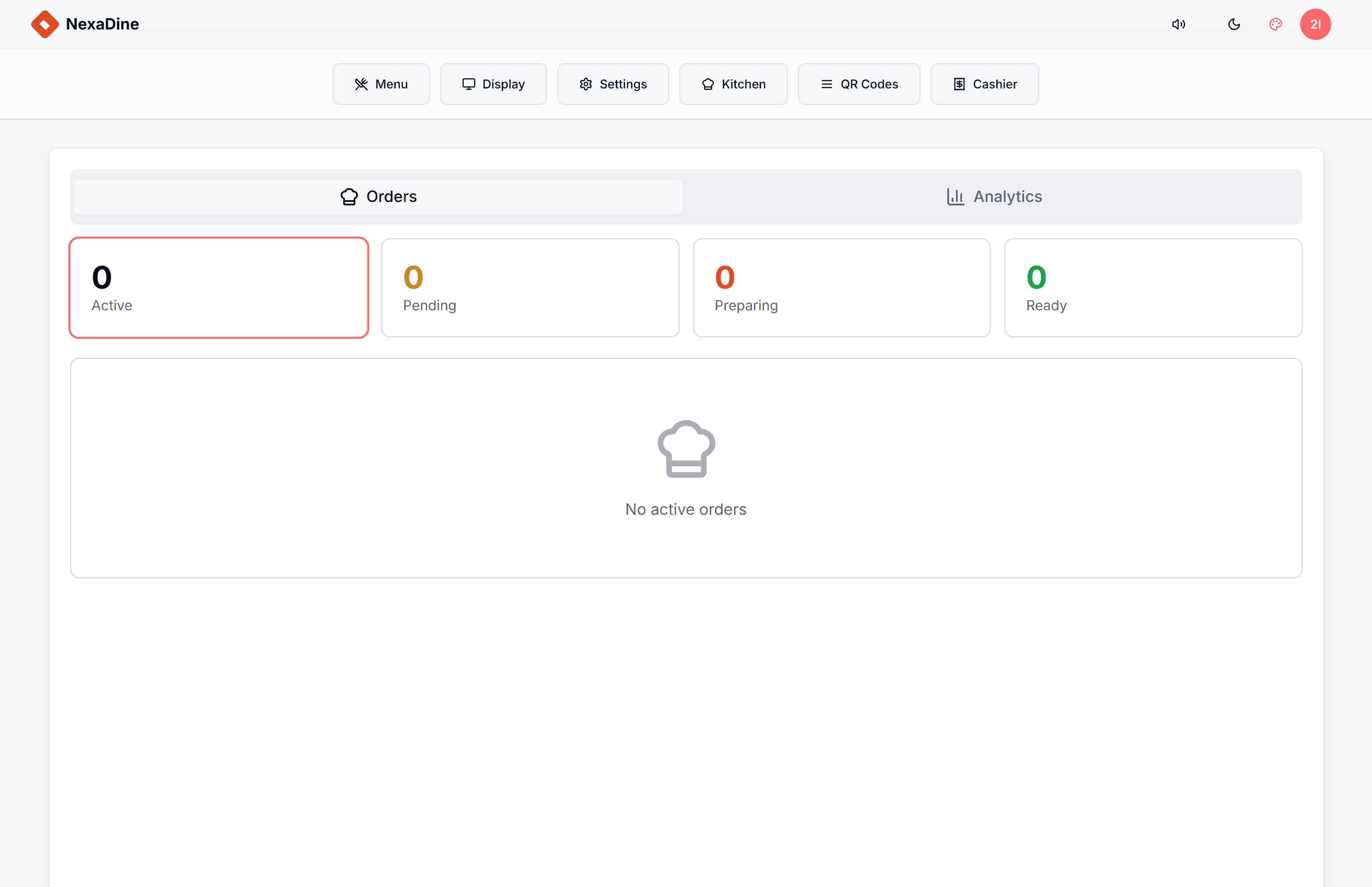
NexaDine is our restaurant POS, and it's built around the exact stack this guide recommends for dine-in and QSR: QR-code ordering, table management, a kitchen display system, and AI menu creation in one web-based platform that runs on hardware you already own — tablets, PCs, any screen. Orders flow from the guest's phone to the kitchen display with nothing re-typed in between.
It's priced per outlet for small and mid-size restaurants (no proprietary hardware to buy), and we'll demo it on your menu, not a sample one — get in touch if you want to see it.
Whatever you choose, choose against your service model, test the daily-use flows yourself, and get the full first-year cost in writing. The best POS is the one your team stops noticing after week two.
Frequently asked questions
- What is a restaurant POS system?
- A restaurant POS (point of sale) is the software that takes orders, sends them to the kitchen, manages tables and menus, and handles billing. Modern systems extend this with QR-code ordering, kitchen display screens, and analytics — becoming the operating system of the restaurant.
- How much does a restaurant POS cost?
- Cloud POS systems are typically priced as a monthly or annual subscription per outlet, with cost varying by modules (QR ordering, KDS, inventory). Hardware can be near-zero if the system runs on tablets and screens you already own — ask specifically whether proprietary hardware is required.
- What POS features matter most for a small restaurant?
- In rough priority order: fast reliable billing, kitchen order flow (KDS or printing), menu management you can change yourself, QR-code ordering if you're dine-in, and simple daily reports. Multi-outlet features and deep integrations matter later; day-one operations matter first.
- Do I need QR-code ordering in my restaurant POS?
- If you run dine-in service, it's one of the highest-ROI features available: guests order without waiting for staff, orders reach the kitchen with zero transcription errors, and average order values typically rise because reordering is frictionless.
Ready to launch fast and scale smart?
Kaelix Technologies builds rapid, AI-powered software for growing businesses. Tell us your workflow and we'll show you what's possible.